You Already Did the Hard Part. Why Start Over?
You organized last year's event. It worked: sessions were solid, speakers showed up, and everyone left happy. And now it’s time to do it all over again. You reopen old spreadsheets and emails, trying to remember how you pulled it all together.
Even though you’re not technically starting from zero, it sure feels like it.
Copying Last Year’s Event Spreadsheet Often Means Rebuilding Anyway
Reusing past event files seems faster than it is. What looks like a shortcut often turns into redoing the same setup in slower motion. You find yourself cleaning up broken formats, updating sessions, and names from an old list. By the time you’ve cleaned it up, you’ve already spent hours just trying to get back to neutral.
And if someone new is running the event this year, it can be hard to pick up where the last person left off.
Sched Remembers the Details So You Don’t Have To
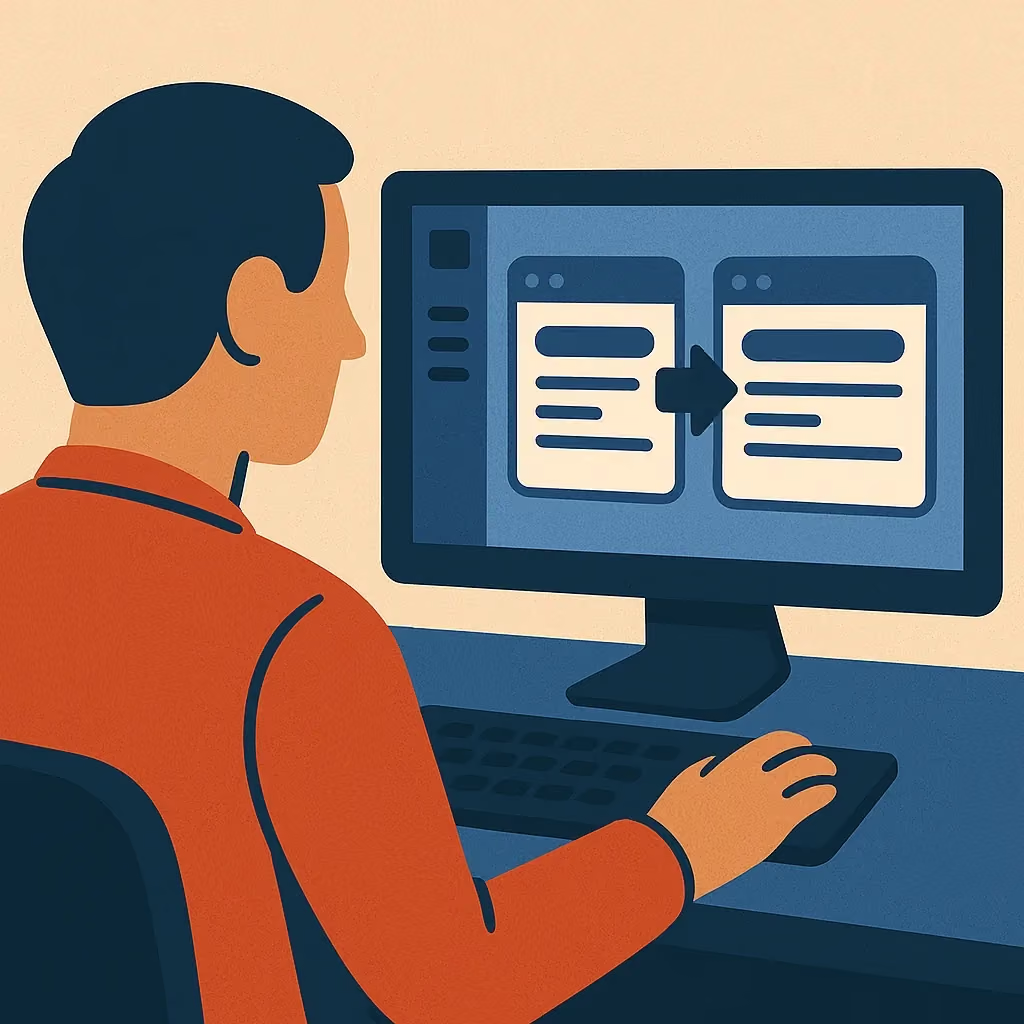
Sched lets you duplicate any past event with one click. And it’s more than copy-pasting. Event cloning brings over the structure that still fits: session categories, room assignments, permissions, schedules, even your email templates.
There's no need to search for the latest file or worry about broken links. You can continue where you left off, with everything that already worked still in place.
The more events you run in Sched, the less time you spent on the next ones.
Reuse the Sessions That Still Work, And Leave the Rest Behind
Sched’s session tool gives you full control over what to carry forward. You can search your past events, filter by topic or track, preview session details, and pull in only the sessions you want to bring back.
Time blocks come with them. So do descriptions, presenter bios, and uploaded materials. There’s no need to rewrite content you already prepared. And you’re not locked into bringing it all. Just what fits this year’s version of the event.
Bring Back the Right People Without Making New Lists
When your summer institute runs every year with the same five coordinators and 100 teachers, rebuilding participant lists becomes tedious. Sched lets you pull people from a past event, choose who should be invited again, and adjust as needed.
It’s especially useful for programs that repeat across the same departments, schools, or cohorts. You can start with a known list and make edits, instead of retyping every name.
What Happens When You Don’t Start Over Every Time
For over a decade, the Wisconsin Educational Media & Technology Association (WEMTA) has relied on Sched to run its statewide professional learning conference.
With Sched, they can reuse previous event structures, session formats, and attendee communications so they don’t waste time reinventing what already works. That level of consistency means the WEMTA team can focus on relationships, and improving with each event.
Plan Your Events Once With Sched And Create Better Experiences
Sched gives you a familiar slate that’s not cluttered. This way, your next event starts with fewer unknowns because your team knows where things are.
You already built a great event. With Sched, you don’t need to start over.
Start your free trial for your next event, and then let Sched do the remembering for you.
Frequently Asked Questions
Can I duplicate an event I’ve already run in Sched?
Yes. You can duplicate any past event with one click. This brings over your session categories, visibility settings, venues, and saved email templates, so you don’t have to re-create the setup manually.
What features does Sched offer for recurring events?
Sched helps you plan repeat events by letting you:
- Duplicate full event structures, including categories and communications.
- Import past sessions with full descriptions, speakers, time blocks, and files.
- Reuse and edit participant lists from previous events, and update roles as needed.
- Keep your email templates and make quick updates.
- Customize each new event without rebuilding the foundation.
Can I update details after duplicating an event in Sched?
Yes. Once you duplicate an event, everything is editable: sessions, times, speakers, rooms, and more. You can carry over just the structure you need and customize the rest for this year’s version.
Do duplicated events stay linked to the original in Sched?
No. Once duplicated, the new event is fully independent. You can change anything without affecting the original.
Can different team members manage reused events in Sched?
Yes. You can assign new admins or collaborators to any duplicated event. This makes it easy to hand off planning year to year without losing structure or access.